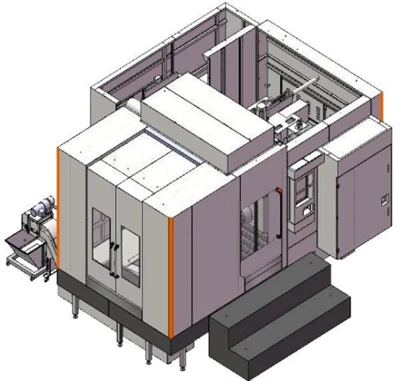
Hey there, fellow CNC operators, setup techs, and anyone who’s ever stared at a horizontal machining center (HMC) control panel at 2 a.m., wondering why your parts are coming out too hot, too rough, or taking way longer than they should. Full transparency here: I’m part of the team at that HMC supplier you’ve probably looked up parts for, and let’s be real—no one wants to waste a day tweaking parameters just to get subpar results. I’ve seen new operators throw in the towel because they messed up speed and feed, and seasoned guys overloading spindles like it’s a race (spoiler: that never ends well). Today, I’m breaking down how to actually adjust HMC cutting parameters without the fluff—stuff we’ve learned from troubleshooting 100+ of our horizontal machining centers for shops big and small.
First, let’s get one thing straight: HMCs aren’t vertical mills. They’re built for consistent chip evacuation, rigid fixturing, and running parts nonstop, but that also means their parameters aren’t one-size-fits-all. I’ve watched a guy use the same feed rate for aluminum and steel on a basic HMC and burn out a carbide insert in 10 minutes. Bad move. Before we dive into adjusting anything, you gotta do two quick checks first—no exceptions.
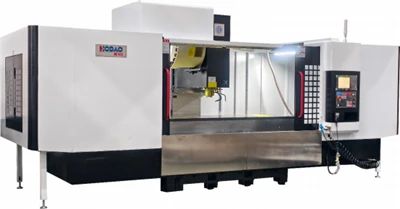
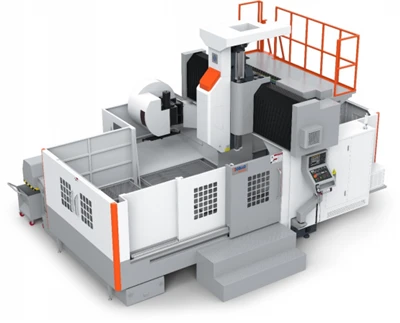
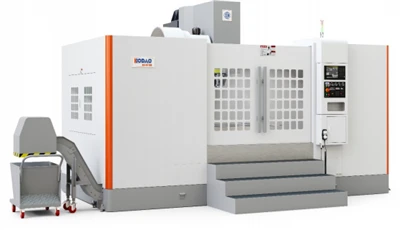
One: Know your machine’s specs. If you’re rocking a high speed horizontal machining center like the one we linked, it’s got a different spindle (higher RPM, maybe a lighter spindle head) than our high performance horizontal machining center, which is built for heavy cuts on tough alloys. Don’t treat a 15,000 RPM high-speed HMC like a 6,000 RPM workhorse—its sweet spot is in faster, lighter passes, not hogging material. If you’re running a double-spindle machining center, that’s another layer: you’ve got two tools cutting at once, so your parameters can’t just be double what they are for a single spindle—you gotta account for tool path overlap and chip load per spindle. Got that? Good.
Two: Map out your part and material. Is that aluminum 6061 (easy, forgiving) or 7075 (tougher, works hardens)? Is that steel mild or tool steel? Even the shape matters—deep pockets vs. flat surfaces vs. tight corners. I once had a shop call me panicking because their corner cuts were chipping inserts; turns out they cranked the feed rate there without slowing down, since corners make the tool bite harder. That’s the kind of thing we fix at our shop all the time, so this step is non-negotiable.
Now, let’s get into the actual adjustments, starting with the basics that trip everyone up: spindle speed (RPM) and feed rate. Let’s do a quick math hack first—chip load. That’s the amount of material each tooth on your cutting tool removes per revolution, and it’s the foundation of every parameter. The formula’s simple: Feed Rate (IPM) = RPM × Number of Teeth × Chip Load per Tooth (IPT). Most control panels let you input chip load, so that’s way easier than calculating on the fly. But here’s where people mess up: they use a generic chip load from a tool catalog without adjusting for their machine. For a high speed horizontal machining center, aluminum’s chip load is usually around 0.003–0.008 IPT, but if your machine has a rigid spindle (which it does, vs. a flimsy vertical), you can push that higher. For a high performance horizontal machining center cutting tool steel, chip load is lower—like 0.001–0.004 IPT—because that material’s tough, and overloading the spindle will vibrate like crazy, ruining surface finish. If you’ve got a double-spindle machining center, divide that total chip load by two per tool, since both are cutting at the same time—you don’t want each tool fighting for space in the chip.
Next, depth of cut and width of cut (also called DOC and WOC, because we’re not writing essays here). These go hand-in-hand with spindle speed. Let’s say you’re running a ¾” end mill on aluminum. If you take a full width of cut (100% of the tool’s diameter), you need to lower your feed rate by 20–30% and drop RPM a little too—because the tool’s buried all the way, so it’s cutting more material per tooth. If you take a 25% width of cut, you can crank the feed and RPM up, since the tool is only taking a small bite. For HMCs, since they have horizontal spindles, chips fall away naturally, so you can usually take deeper cuts than vertical mills, but don’t get greedy. I saw a shop take a 2” DOC on a high performance HMC for a titanium part and snap a ½” end mill—turns out they forgot HMCs are rigid, but not unbreakable. Pro tip: start with a 10% DOC and WOC, then bump up 10–15% each test pass until you get chips that are consistent, thin, and the same color (for aluminum, that’s silver; for steel, light brown—dark brown means you’re overheating).
Now, let’s talk about the mistakes we see most often and how to fix ’em. First, vibration or chatter. If your part has wavy walls or the tool is making that terrible high-pitched whine, that’s a sign parameters are off. First check: feed rate vs. speed. If speed’s too high and feed’s too low, the tool is rubbing instead of cutting. Fix that by bumping feed rate 10% and lowering RPM 5%. If you’re using a small tool (like a 1/8” end mill for details), lower your depth of cut and widen your width of cut a little—small tools hate deep, narrow cuts. Another common one: overheating. If your insert is blue or the part is discolored, your chip load is too high, or you’re not using enough coolant (wait, we should mention coolant? Quick detour: HMCs push coolant through the spindle usually, so make sure that line’s not clogged—we’ve had shops forget to clear a coolant filter and wonder why their parts are burning). To fix overheating, lower RPM a little (by 10–15%) and cut chip load by the same amount—this gives the tool time to carry heat away in the chips. If it’s aluminum, you can use an air blast if you don’t want coolant, but still watch that speed.
What about when you’re switching jobs? Don’t just copy-paste parameters from the last part. We had a customer with a double-spindle machining center who used his old aluminum parameters for steel, and he broke both tools in the first 10 parts. New job? Start conservative. For example, if you’re moving from 6061 aluminum to 4140 steel, cut RPM by 50% (aluminum runs at 10k, steel at 5k, roughly) and cut chip load by 60%—that’s a safe baseline, then tweak from there. For roughing vs. finishing, roughing is all about material removal—so higher DOC and WOC, a little lower speed, higher feed rate. Finishing is about surface finish—so lower DOC (like 0.020–0.050”), higher speed, lower feed rate with a better chip load. For a high speed horizontal machining center, finishing aluminum at 15k RPM with a 0.005 IPT gives you a mirror finish if the fixturing is tight—give that a shot, it works way better than pushing for speed on finishing passes.
Wait, one more thing: HMC-specific quirks. Since the spindle is horizontal, chips evacuate downward, but if your tool path loops around, chips can get trapped in the cut zone. That means when you’re adjusting feed rate in areas with lots of chip buildup (like tight corners, or deep slots), slow feed by 20% until you see those chips clear out. We design all our horizontal machining centers with that in mind—high-performance ones have chip conveyor systems that move chips away even during heavy cuts, but you still have to account for chip load in the cut. If you’re using our double-spindle machining center, make sure the tool paths aren’t overlapping 100% of the time—leave a small gap (0.050” or so) between each spindle’s path so chips don’t interfere, and adjust each spindle’s parameters independently, not the same for both.
Let’s do a quick real example to make this concrete. Say you’re running a roughing pass on 7075 aluminum with a ½” 4-flute end mill on a basic HMC (not our high speed or high performance line). You grab the tool catalog and see chip load is 0.005 IPT, so RPM would be (let’s say tool max is 15k) 15k, feed rate is 15k × 4 × 0.005 = 300 IPM. But wait, that’s too high because that HMC doesn’t have a super rigid spindle. Drop RPM to 12k, chip load to 0.004 IPT—feed rate is 12k ×4 ×0.004 = 192 IPM. That’s a safe baseline, then bump to 210 IPM if the chips are good, or lower to 170 if you see chatter. If you were on our high speed horizontal machining center, you could push RPM to 18k, chip load to 0.006 IPT, feed rate to 432 IPM—way faster, same tool, because the machine is built for that. If it was tool steel, all those numbers get cut in half.
Now, I know some of you are thinking “but I don’t have time to test passes” — but here’s the thing: a 5-minute test pass on a scrap piece of the same material saves you from breaking a $50 insert, scrapping a $100 part, or wasting an hour. Every HMC we sell works best when you do a quick test run on a scrap part first, tweak, then go. No exceptions.
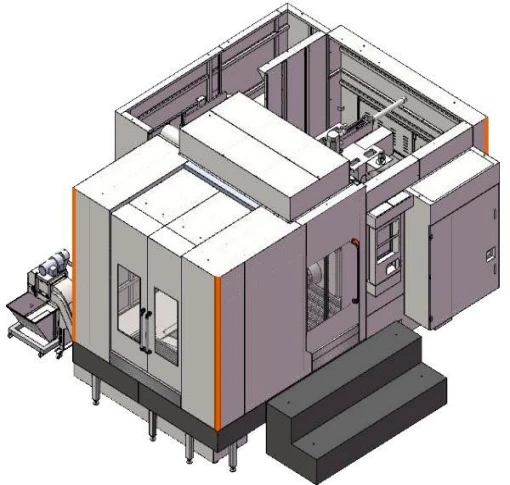
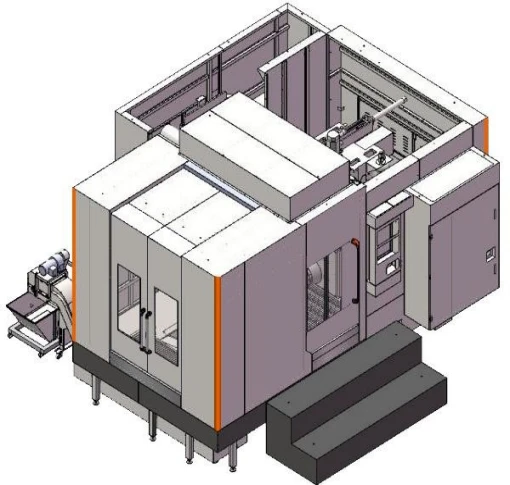
If you’re new to HMCs, don’t be intimidated. Most of the time, bad parameters come from either not knowing your machine’s limits or not adjusting for the material. At our shop, we work with operators every week to tweak parameters for their specific machines—whether you’ve got a high performance horizontal machining center for heavy steel cuts, a high speed horizontal machining center for aerospace aluminum parts, or a double-spindle machining center to double your throughput. We don’t just sell machines; we help you get them working right.
If you’re shopping for a new HMC, or if you’ve got questions about tweaking parameters for the one you already have, feel free to reach out—we’re here to help. No sales pitch, just honest advice from people who work with these machines every day.
References:
- Machining Data Handbook, 5th Edition. Industrial Press, 2021.
- Horizontal Machining Center Operation and Programming Guide. AutoForce CNC Solutions, 2022.
- Tooling and Cutting Parameters for Modern CNC Machining. Modern Machine Shop, 2023.